Keybreeze Desktop Screenshots
Keybreeze Desktop lets you perform almost any task on your computer with just a few keystrokes. Open files, folders, and websites, search your computer, search websites, paste custom text into text fields, automate actions with macros, create notes and set reminders, and more.
Keybreeze Desktop is invisible when you are not using it. Activate it by pressing a hotkey, such as Shift + Space, Alt + Space, or the semicolon key. If you use the semicolon key as your hotkey, press the semicolon twice to insert a semicolon into the current text field, or press Semicolon + Space or Semicolon + Enter to simulate those keystrokes in the current text field.
There is also a blue 'K' icon in your system tray. Left-click this icon to show Keybreeze Desktop. Right-click it to get a menu with options.
Press the hotkey and type one of these common keywords to configure Keybreeze Desktop: add, list, options, help, note, export entries, import entries.
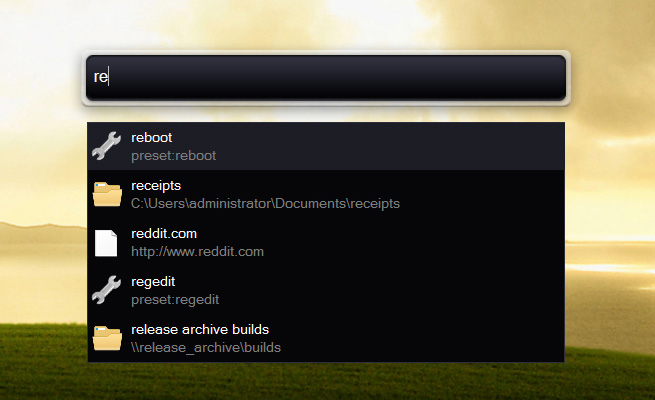
Press the hotkey and type a few letters to open a file, folder, or website.
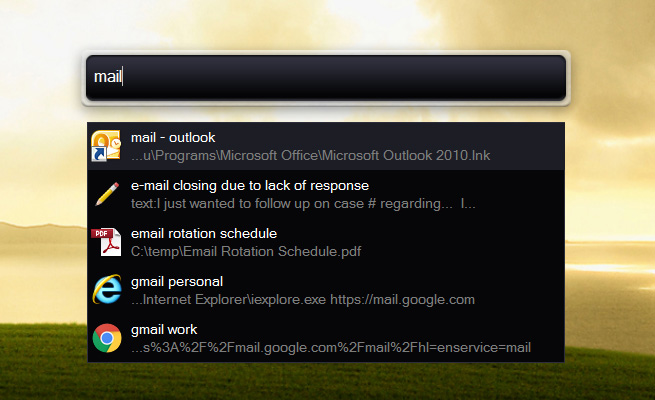
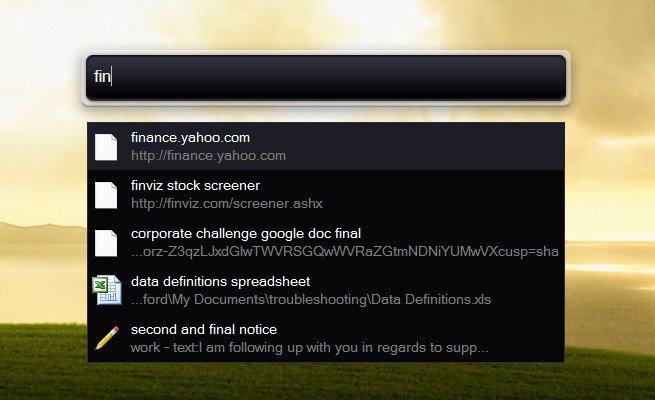
Once the entry is highlighted, press Enter to launch it.
You can also click an item or press Ctrl + M to get a menu with options:
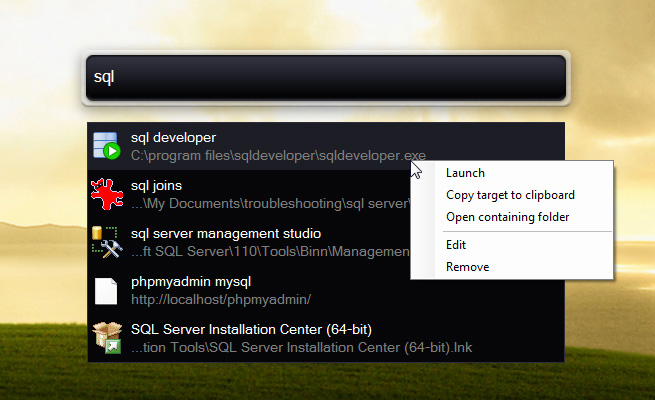
Keybreeze Desktop will automatically index your Desktop and Start Menu items, as well your Documents folder. Configure other directories by typing options as a keyword.
You may notice a slight delay before an entry appears. You can speed this up by adding custom keywords. Add custom keywords by right-clicking an entry and clicking Add custom keyword, or press the hotkey and type add as a keyword, or right-click any file or folder on your computer and click Add keyword to Keybreeze Desktop.
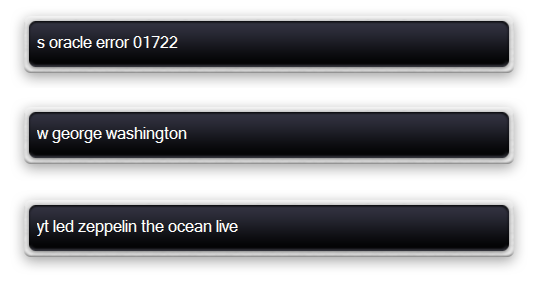
Search Google, Wikipedia, YouTube, and other websites by typing letter commands. Type add as a keyword to see a list of other letter commands.
Keybreeze Desktop comes with a variety of preset commands, such as rebooting Windows, activating the screen saver, and more. Type list as a keyword to see the preset commands.
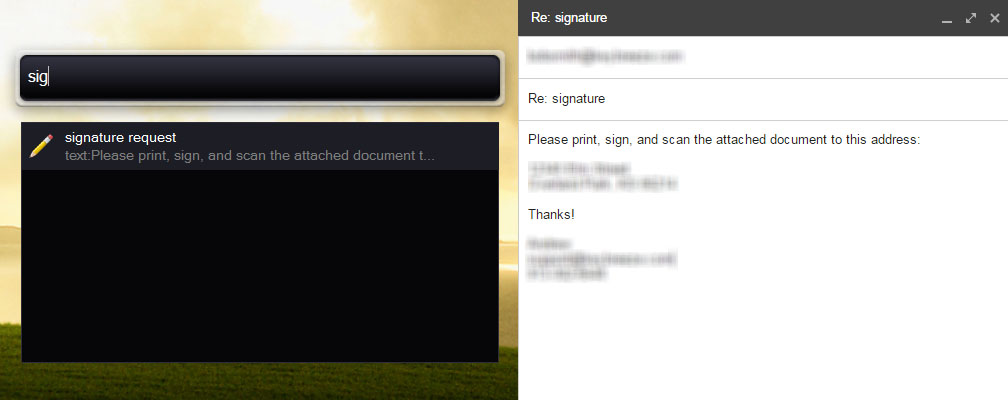
Use text functions to paste custom text into text fields. This is a huge time saver for pasting common email responses, instructions, addresses, phone numbers, queries, code snippets, etc.
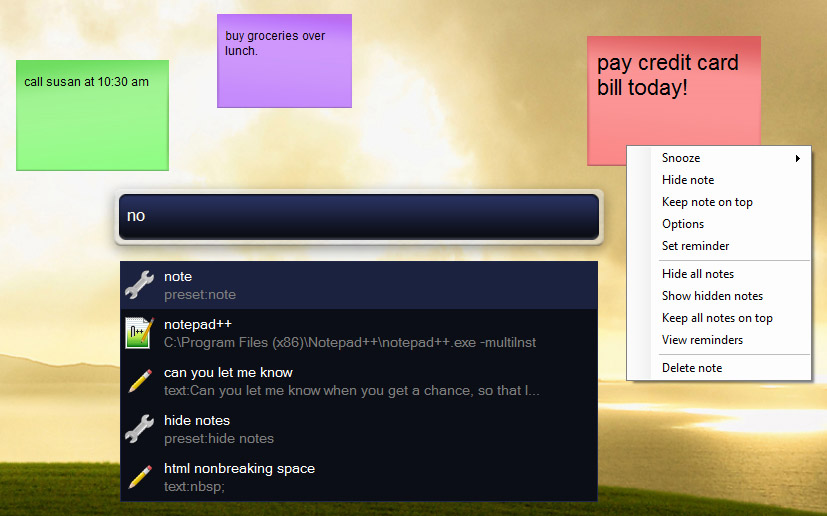
Create sticky notes by typing note as a keyword. Double-click a note to switch from edit mode to read-only mode. Right-click a note in read-only mode to set reminders and other options, or type reminder [note] as a keyword.
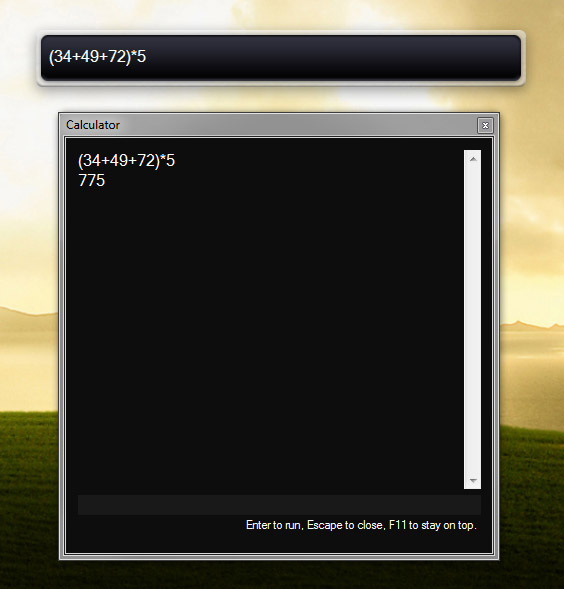
Type calculations directly into Keybreeze Desktop. It will calculate the result and give you a multi-line output for additional calculations.
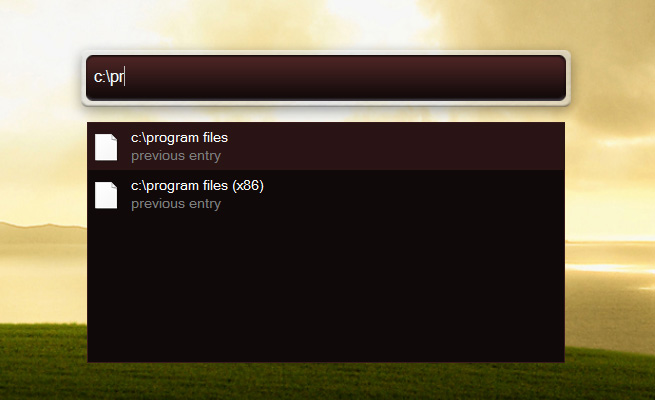
Don't forget that you can type direct paths to files, folders, and websites. You don't need to have a keyword first.
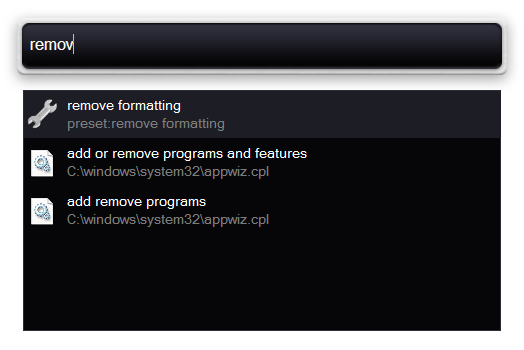
Do you get annoyed when copying and pasting something and find that the original formatting or extra spacing is applied?

Just type remove formatting as a keyword to fix it. Then you can paste it as plain text without extra spacing:

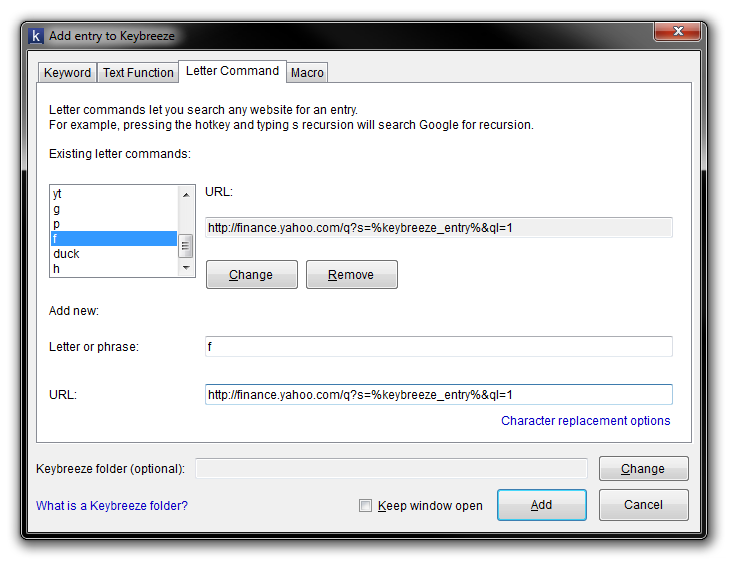
Want a quick way to look up stock quotes? Type add to add a letter command that looks up stock quotes on Yahoo! Finance, SeekingAlpha, or any other website.
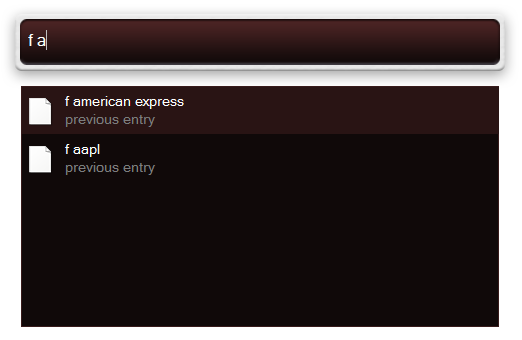
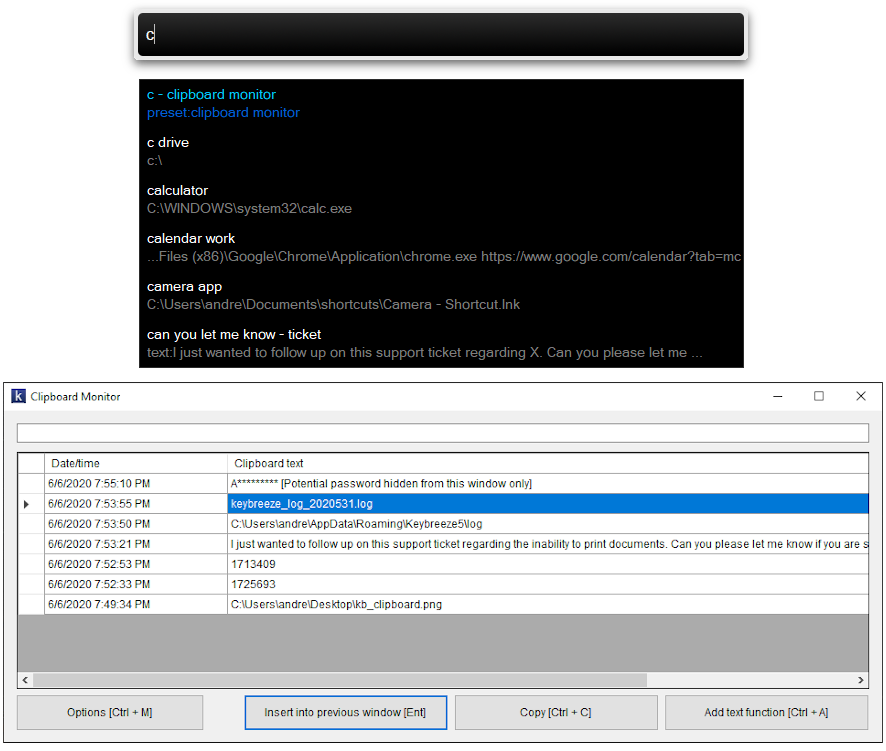
Keybreeze Desktop has a clipboard monitor/manager that can be enabled or disabled from the Options window. Press the hotkey, type c, and immediately press Enter to access a history of text that you copied to the clipboard. Instantly paste this text into the current window, or create a text function to permanently save it.
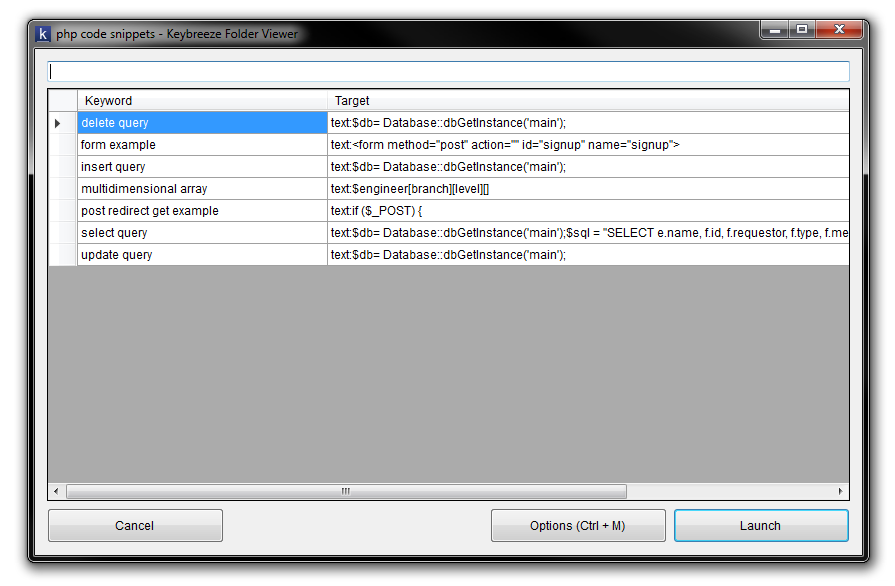
Keybreeze Desktop 5 introduced folders, allowing you to organize keywords and text functions into folders.
Press the hotkey, type a folder, and press Enter to view a list of entries in that folder.
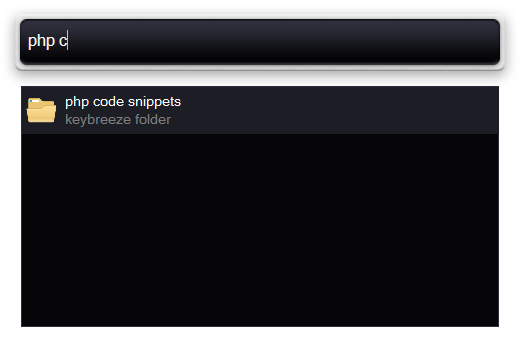
Search for files on your computer by pressing the hotkey, typing an entry, and pressing Ctrl. Configure search options by typing options as a keyword.
Search the web by pressing the hotkey, typing a keyword, and pressing Shift. Type options as a keyword to configure this as well.
Control windows on your screen by using QuickTab:
1. Press the hotkey, type a few letters that appear in the window title, and press the hotkey again to set focus to that window.
2. Press the hotkey and type the first letter of the window title twice to set focus to that window. Example: Hotkey + kk will set focus to a window in your taskbar that starts with the letter, k.
3. Hotkey + space: minimize window.
4. Hotkey + shift: close window.
5. Hotkey + ctrl: close window.
6. Hotkey + tab: equivalent to Alt + Tab.
All of these settings are configurable by typing options as a keyword. QuickTab generally works best with the semicolon hotkey.
Automate actions with macros. A macro can record your mouse clicks and keystrokes for a period of time. Save a macro as a keyword in Keybreeze Desktop. Then you can press the hotkey, type the macro, and press Enter to have Keybreeze Desktop automatically replay your actions. Press the hotkey and type macros [create] to get started.